Automate shipping rules based on your business strategy
Set up rules to adjust prices, delivery times, shipping options, and restrictions by channel, product, or destination. Less manual work, more logistics tailored to your needs.
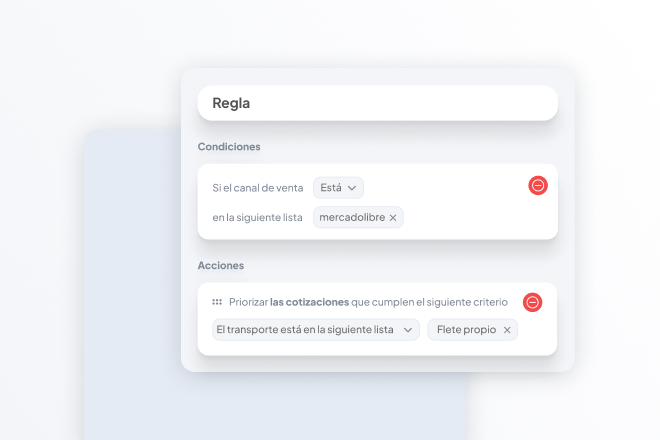
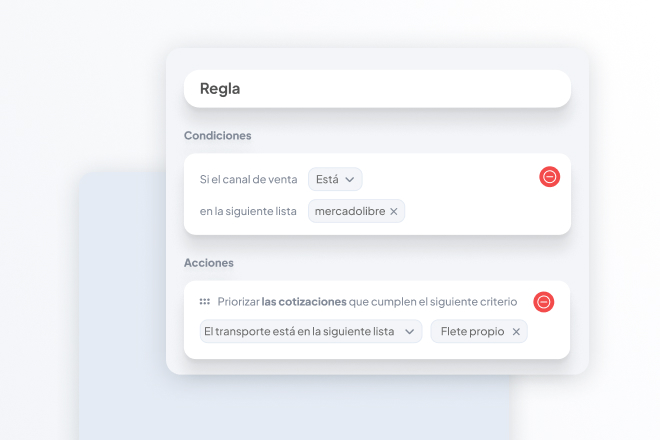
You can create a rule to prioritize your own vehicles for deliveries in areas where you have coverage.
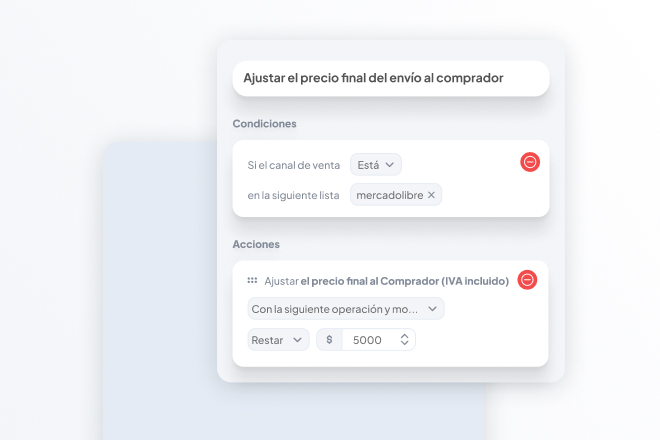
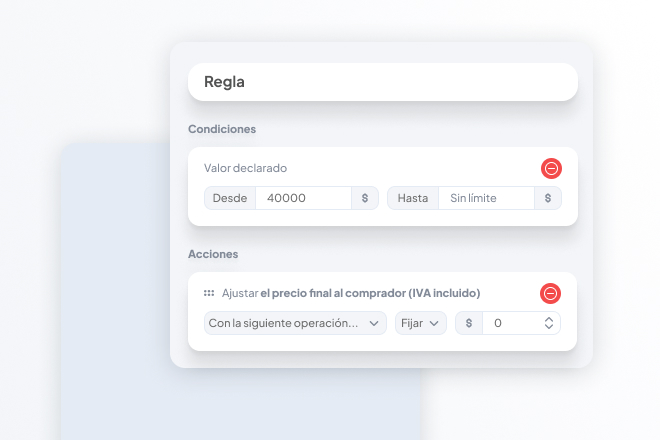
Adjust the final shipping cost for the buyer
Create a rule to adjust the shipping price your customers see, in line with your business strategy.
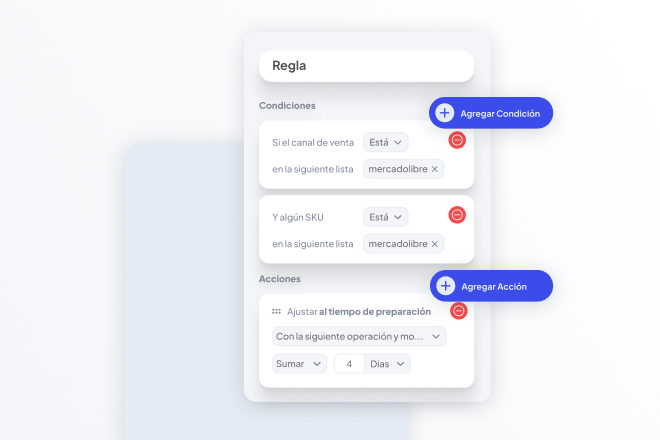
Adjust the delivery time
Create a rule to adjust the preparation or production time based on the channel and product, automatically customizing delivery times for each shipment.
Prioritize fleets, contracts, or carriers based on operational criteria
Create a rule to prioritize specific shipping methods or contracts based on criteria such as destination, product, sales channel, and others.
Restricts destinations and adjusts delivery estimates
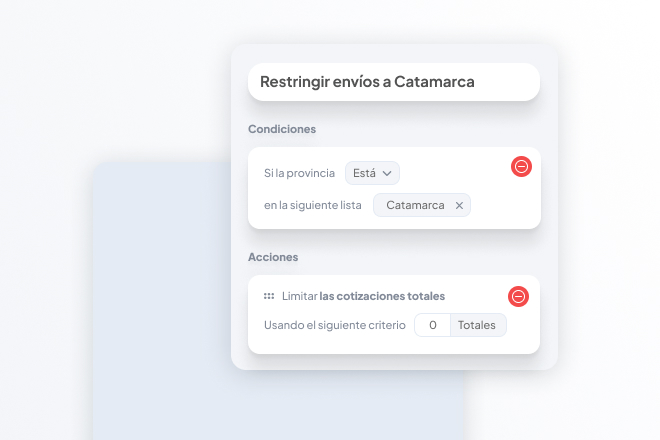
Create a rule to set shipping restrictions based on state, city, or ZIP code, so that shipping isn’t offered to unwanted destinations.
Free shipping on orders over
Create a rule to offer free shipping for purchases over a specific amount; you can customize this rule based on the sales channel and the declared value.
Combine conditions and actions without manual input
The various conditions we offer can be combined with one another, allowing you to fully customize your account’s automations.
Some of the rules mentioned are only available on Pro or Enterprise plans.